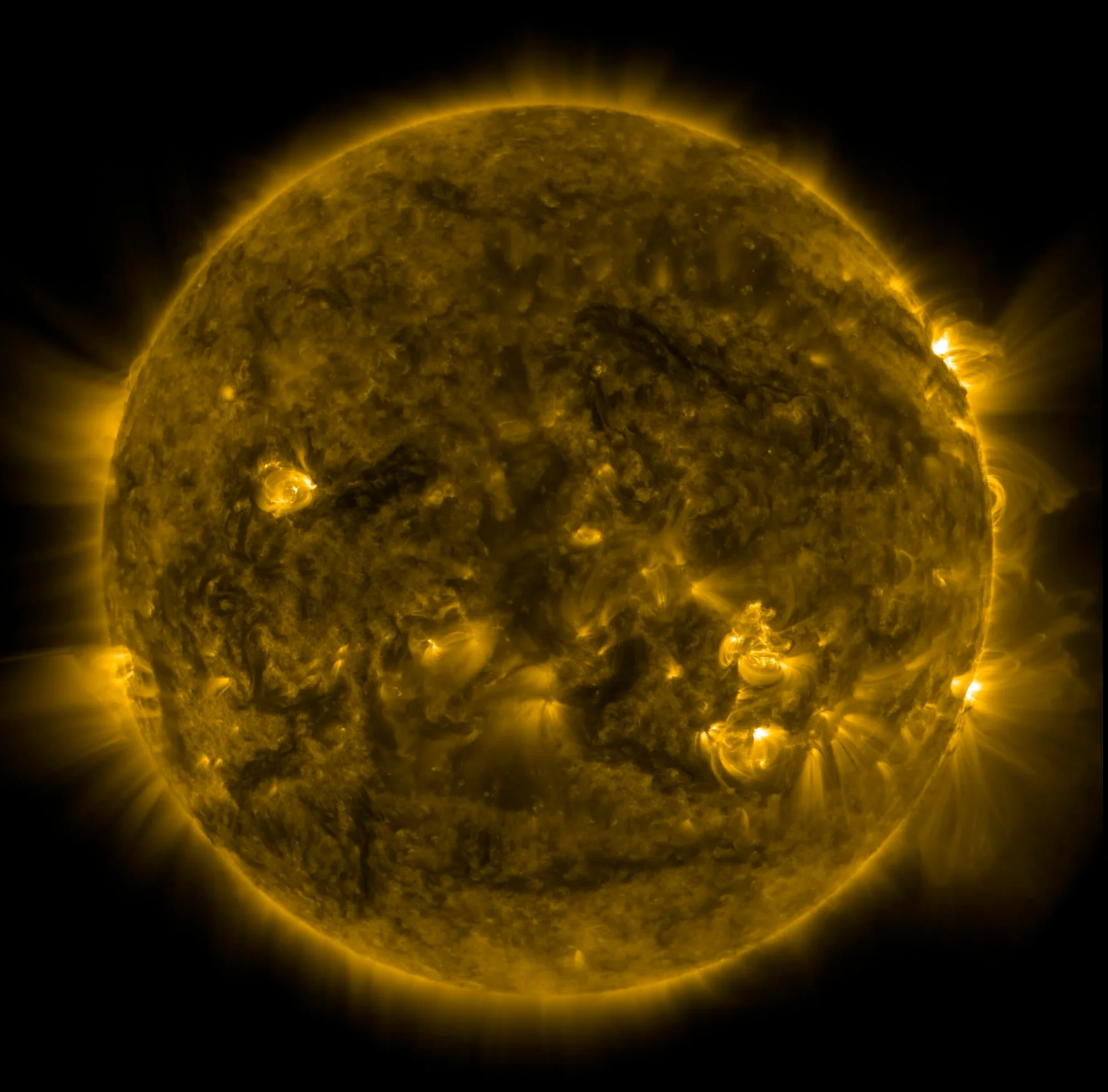
Real telescope footage of today's Sun — live solar flares, plasma loops and sunspots — playing whenever your screen goes idle. Straight from NASA & ESA.
No signup, no payment. Every install includes a 7-day Pro trial.
Remember when screensavers were exciting? Now it's just floating colors or old photos.
Your screen deserves better.
Right now, NASA telescopes are filming the Sun from space. Solar flares. Plasma eruptions. Magnetic storms. It's happening every single day.
Why not watch it on your screen?
flare.solar connects to NASA and ESA solar telescopes and keeps a rolling time-lapse of roughly the last two days of the Sun, refreshed every hour — then plays it whenever your computer goes idle.
Real solar footage from today. No stock clips, no animations. Just the Sun.
Pro streams it live, in near real-time; the free version runs about a day behind. Either way, you don't have to do anything.
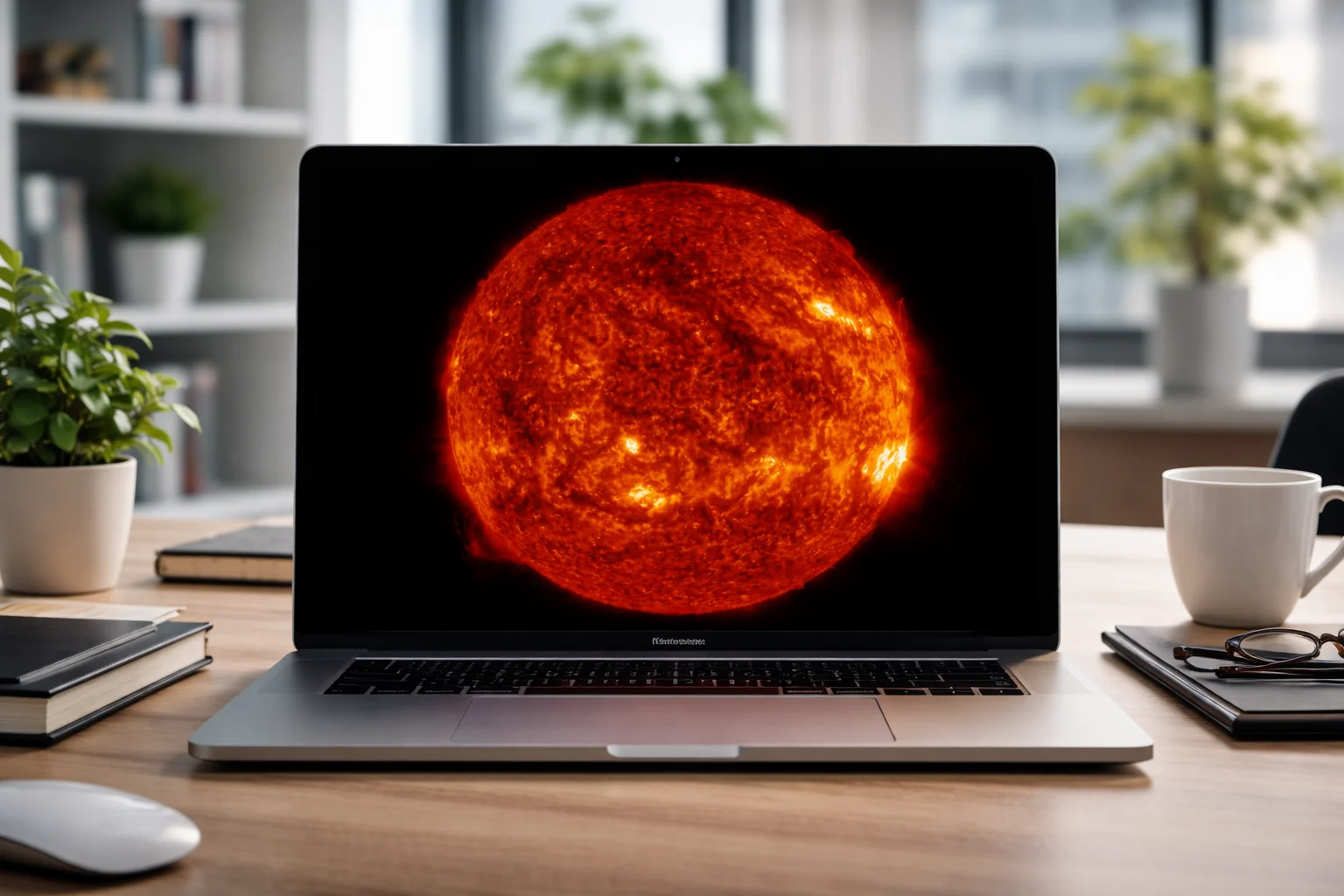
Actual footage from NASA's Solar Dynamics Observatory. The same images scientists use to track solar weather.
Footage refreshes automatically in the background — hourly on Free, near real-time on Pro. Always the recent Sun, never a canned clip.
Quiet background updates, then efficient local playback. It stays out of your way — and works on every monitor.
Videos are saved locally. No internet? It plays the last downloaded movie.
Each "style" is a different wavelength or instrument — from quiet corona to solar flares to the coronagraph that catches eruptions leaving the Sun.
These are real clips from the live feed. 4 styles are free; all 16 unlock with Pro — pick one, or (on Pro) turn on Rotate to cycle through them all.
Get the .saver file. It's small and safe.
Double-click the file. Your System Settings opens automatically
Go to System Settings → Wallpaper → Screen Saver and choose "Solar Activity". Customize settings or upgrade to Pro from there.
Get the .msi installer. One file, no extras.
Double-click and follow the wizard. No admin rights needed.
Right-click your desktop → Personalize → Lock Screen → Screen Saver and choose "Solar Activity".
The footage comes from SDO — a NASA spacecraft watching the Sun around the clock, photographing it every few seconds — plus ESA/NASA's SOHO coronagraph. Your screensaver plays a smooth time-lapse of roughly the last two days:
1080p on Free. True 4K with Pro. Choose Fill Screen or Show Whole Sun — it fits any display.
Yes — the free version gives you 1080p footage, four solar styles, automatic hourly updates and full offline playback, forever. Pro adds true 4K, all 12 Pro styles, near real-time updates and a live space-weather overlay. Founder Edition is a one-time $14.99 lifetime for the first 100 customers (then $9.99/year or $29.99 lifetime).
NASA's Solar Dynamics Observatory (SDO) and the ESA/NASA SOHO coronagraph, accessed through the open Helioviewer project. All public-domain science data.
Almost always it's an observatory outage, not the app. NASA and ESA telescopes go down for maintenance now and then, or a single instrument stops publishing for a while. When that happens, flare.solar keeps showing the most recent footage it has and notes it in Settings as "Solar feed delayed," naming the instrument that's behind and how far. It resumes updating on its own the moment the feed returns — there's nothing to fix or reinstall.
Tip: different styles use different instruments, so if one looks stuck, switching to another style usually gives you a live one in the meantime. You can also hit Test & Download Latest (macOS) or Check for Updates (Windows) in Settings to force a fresh check.
It starts automatically the first time you run flare.solar — no card, no sign-up, nothing to cancel. For 7 days you get the full Pro experience (4K, all 12 Pro styles, real-time, live overlay). After that it simply becomes the free version. Buy Pro any time to keep it.
After buying you get a license key. Open Settings, paste it into the License field and click Activate — Pro unlocks instantly, with no account to create. One key works on up to 3 devices; to move it to a new machine, click Deactivate on one you no longer use to free up a slot. Lost your key? See the recovery question below.
No. It uses minimal resources—less than most browser tabs.
It plays the most recent video it downloaded. You can go offline for days and still have something to watch.
Multi-monitor is a Pro feature. On Free, the screensaver runs on your main display; Pro plays it across every connected monitor (and your 7-day trial includes it, so you can see how it looks first).
Note: macOS sets screensavers per-display, so with Pro you select "Solar Activity" on each monitor in System Settings → Screen Saver. On Windows it runs on all monitors automatically.
Plenty. In Settings you pick a Video Style — each one is a different telescope wavelength or blend, from quiet coronal loops and magnetism to towering prominences, sunspots and the coronagraph CME view. Free includes four styles; Pro adds the 12 Pro styles on top, for 16 in total.
Want variety? Turn on Rotate All Styles (a Pro toggle) and it cycles through every style you've downloaded as it plays, instead of staying on one — leave it off to keep a single fixed style.
You can also set the framing — Fill Screen (fills the display, lightly cropped) or Show Whole Sun (the entire solar disk on black) — and toggle seasonal decorations, playful touches like Santa flying past the Sun in December, which are free for everyone.
A Pro option that draws a quiet, technical readout in the corner of the screen — current X-ray flare class, solar-wind speed, the Kp geomagnetic index and sunspot number — pulled straight from NOAA's Space Weather Prediction Center and NASA. It's for people who actually want to know what the Sun is doing. Toggle it on or off any time in Settings.
Yes. Set Update Frequency to Hourly or Daily to control how often new footage is fetched.
To protect your data and battery, switch on Download over Wi-Fi only — updates then use Wi-Fi or wired Ethernet and skip cellular, Personal Hotspot, mobile hotspot and metered or Low Data connections. On Windows you can also tick Only update on AC power to hold downloads until you're plugged in. Either way, downloads run quietly in the background and pause while the screensaver isn't selected.
The free 1080p version is light — roughly 1 GB. Pro caches high-resolution 4K footage for smooth offline playback, and across several styles that cache can grow to as much as 10 GB. It's all stored locally and removed completely when you uninstall.
Need the space back sooner? Windows has a Clear Cache button in Settings, and the app only re-downloads the styles you actually use.
Automatically. It checks for new versions on its own and shows a banner in Settings when one's ready — on macOS it downloads and opens the installer for you; on Windows a background updater handles it, or you can click Check for Updates to look right away. The version you're running is shown at the bottom of the Settings panel.
No ads, no analytics scripts, no tracking pixels, no third-party trackers, and we never sell your data — and we don't track what you watch or build any profile of you. To run your license, your 7-day trial and basic abuse protection, the app sends a hashed device ID (and your license key, if you have one). It also reports your platform (macOS or Windows) and the app version, which we use only to count installs and active devices and to measure how many trials convert — always in aggregate, never tied to your identity. Full details on our Privacy page.
On macOS, run the installer file again and select "Uninstall". On Windows, use Settings → Apps → Installed Apps.
No problem! Visit our license recovery page and enter your purchase email. We'll resend your license key automatically.
"I keep catching myself watching my screensaver now. The solar flares are hypnotic."
"Perfect for my classroom. Students ask about the Sun every time they see it."
"No setup, no accounts, just works. Exactly what I wanted."
Free is genuinely good. Pro is the full sky — sharper, complete, and live.
Every install includes a free 7-day Pro trial — no card needed.
Everything you need to enjoy the Sun.
Everything, in 4K — with live solar data.
One-time payment, lifetime access (first 100).
We store only your email
and license key.
After the first 100 Founder seats, Pro is $9.99/year or
$29.99 lifetime.
Prices in USD. Taxes may apply based on your country.
One file. One minute to install. Updated automatically.